
The Computer Knew My Password The Whole Time
It Was Just Waiting For Me To Crack First

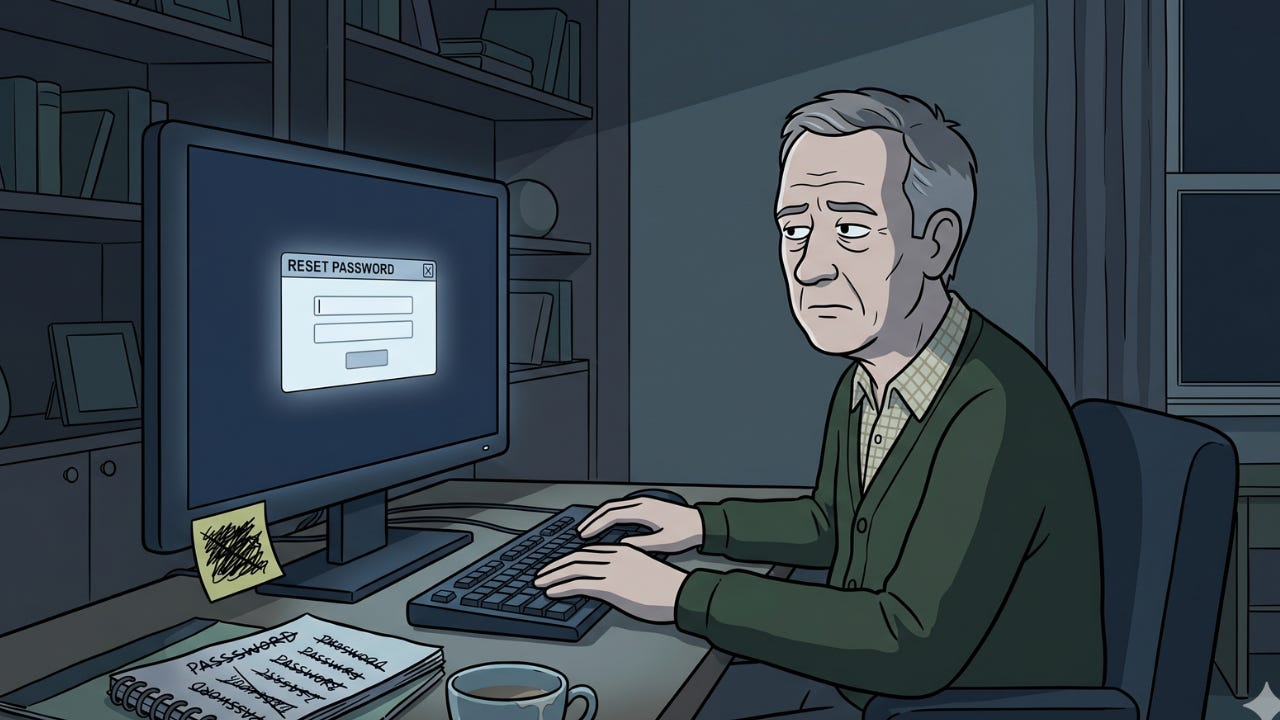
I’ve reset the same password eleven times.
Not eleven different passwords. The same one. The one I keep trying to set and being told I can’t use because it’s too similar to a previous password.
A previous password the computer claims it can’t show me for security reasons.
But can apparently remember well enough to reject.
This is where it starts. Not with forgetting. With the reset.
You go to log in and type what you’re fairly confident is the password. The page shakes its head. Wrong. You try again. Different capitalisation. Still wrong. You try the one you use for everything else. Wrong.
You click Forgot Password.
This is the moment the system has been waiting for.
The Rules
The new password must be at least ten characters.
It must contain an uppercase letter, a lowercase letter, a number, and a symbol.
It can’t be a password you have used before.
It can’t be similar to a password you’ve used before, though what constitutes similar is never defined, leaving the system free to reject anything it finds conceptually adjacent to your previous choices.
It can’t contain your name, your username, or your date of birth.
It must be something you’ve never used, never thought of, and can’t write down because writing it down defeats the purpose of having a password.
You must remember it.
Forever.
I typed my new password.
This password is too similar to a previous password.
I changed two letters.
This password is too similar to a previous password.
I changed the symbol.
This password is still too similar to a previous password.
Here’s what I want you to understand. The computer can’t show me my previous password. It’s encrypted. Hidden. Protected for my security. The computer has absolutely no idea what my previous password was.
And yet it knows this one is too similar to it.
The computer knows exactly what my password is.
It’s always known.
It’s not protecting me. It’s testing me.
The Security Questions
While resetting, the system asks me to confirm my identity via security questions.
What was the name of your first pet?
I had a goldfish when I was seven. I don’t remember what I called it. I’m not sure I called it anything. It was a goldfish.
What was the name of the street you grew up on?
I grew up on six streets. We’d moved six times before I was nine. Which one did I put? I don’t know. I set this account up in 2019 and I was a different person then.
What is your mother’s maiden name?
This one I know. I type it.
Answer incorrect.
I apparently don’t know my mother’s maiden name.
The New Password
Eventually, after negotiation, I create something the system accepts.
It’s fourteen characters long. It contains two uppercase letters, a number in the middle, and an ampersand. It doesn’t resemble any word in any language, completely unguessable.
I log in.
I feel briefly victorious.
Three weeks later I need to log in again.
I type what I’m fairly confident is the password.
The page shakes its head.
I try different capitalisation.
Wrong.
I sit for a moment looking at the screen.
Then I click “Forgot Password”.
Why isn’t the system surprised?
We’ve been here before.
It knew I’d be back, it was just a matter of time.
You know what would be an effective password? Ifyoudon'tletmeinrightnowI'mgonnagetmyaxe! 😁
Another funny tale. Too relatable.😆
When I finally come up with one it likes, I have tried so many that I can’t remember what I typed so I can’t even write it down for next time. So I finish knowing that the next time it’ll be at least a half hour just getting in! Is it only old people that struggle so?